
TV support
what is written, what is tested.
Read this page before you promise anything to your own users. The TV code has been checked against fake TVs in tests, never against a real TV.
01The honest status
The three TV drivers are written from public vendor documentation and published client libraries. They are covered by unit tests of the exact messages and by driver tests against fake TVs. None has been run against a real TV. Expect to adjust details on first contact with your own TV model, and test with the TVs your users have before you list the app.
Brand names are used only to say which control methods the code speaks. They belong to their owners; this item is not affiliated with or endorsed by them, and no brand logos are used.
02Brand table
| Brand | How the code talks to it | Offered in code | Not offered or limited |
|---|---|---|---|
| Roku | External Control Protocol over HTTP, port 8060 (/keypress/<Key>, /launch/<id>, /query/apps). The TV needs "Control by mobile apps" on. | Keys, app list, app launch, text | Switching the input with a key is not offered (inputs are reached through the apps list where the TV exposes them) |
| Samsung Tizen | WebSocket remote channel, port 8002 (with token) or 8001. The TV shows an "allow this device" prompt the first time. | Keys only (including power and source keys) | App launch and typing are not offered and answer "not supported yet" |
| LG webOS | SSAP over WebSocket, port 3000 or 3001, a pairing prompt, and a pointer socket for the D-pad. "LG Connect Apps" must be on. | Keys, app list, app launch, typing while a text box is open on the TV | Power on is not offered (the power key turns the TV off). Pairing uses an unsigned manifest; some webOS versions may reject it |
| Android TV and Google TV | Found on the network | Nothing: control is not supported yet | Needs a client certificate and a pairing code; not implemented |
Also not included for any brand: Wake-on-LAN, and switching on a TV that is completely off.
The table comes from README.md, STATUS.md and the driver files app/lib/src/tv/roku.dart, samsung.dart and lg.dart. When the code and this page disagree, the code is right: please tell support.
03Finding the TV
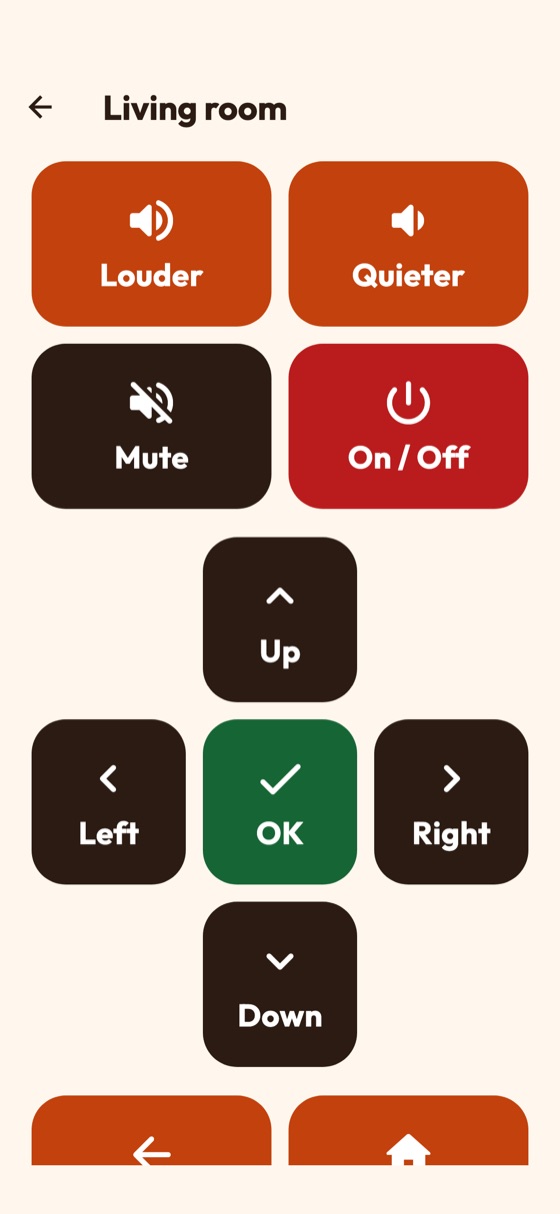
- The app searches the home Wi-Fi with SSDP and mDNS and always offers a field to type the TV's address (for example
192.168.1.20). - Only private LAN addresses are ever used (10.x, 172.16 to 172.31, 192.168.x, 169.254.x, or a bare host name the person typed). No TV port is opened to the internet.
- Samsung and LG TVs use self-signed certificates on the home network. The app accepts them only for the private address the person chose.
- iOS: finding TVs by multicast needs Apple's Multicast Networking entitlement. Without it, search finds nothing and typing the address still works (Release).
- Some Wi-Fi networks block discovery between devices; typing the address works there too.
04Your own supported list
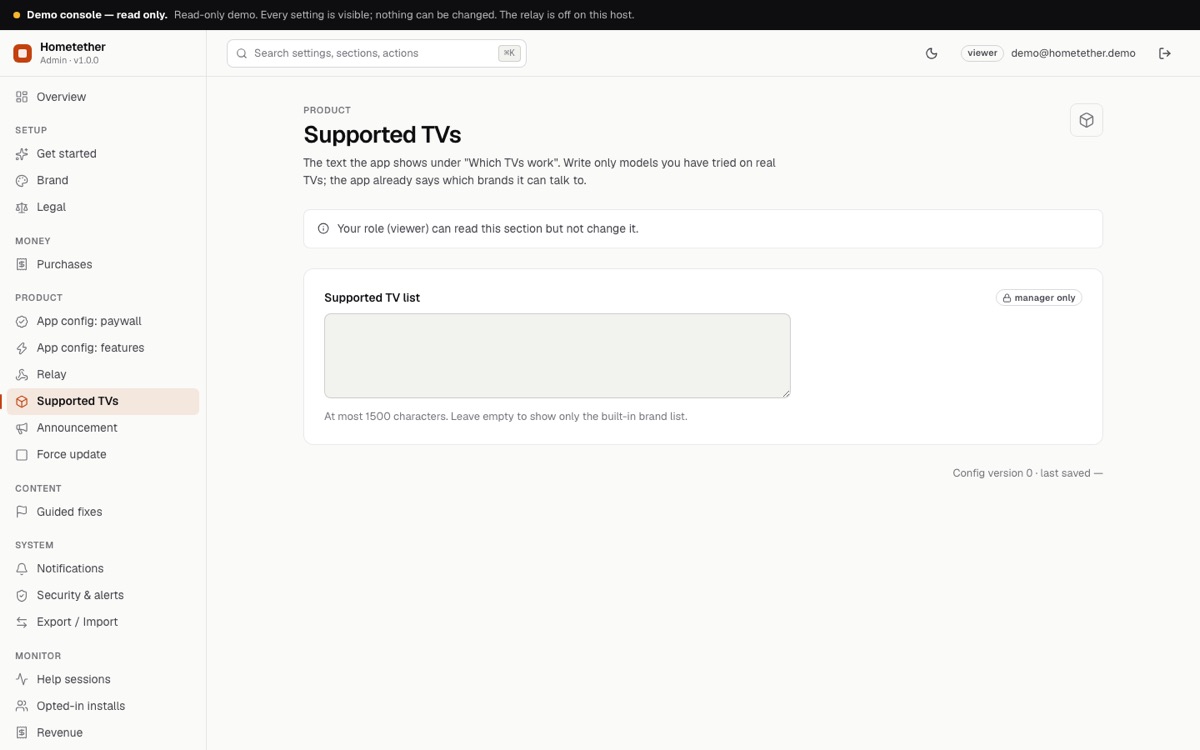
In the console, Supported TVs holds a text shown in the app under "Which TVs work". Add a model only after you tried it on that real TV. Leave it empty to show only the built-in brand list.
05Wording for your store listing
Describe the app as remote help for family with the parent's consent. Say that it works with Roku, Samsung Tizen and LG webOS TVs as far as the control methods allow, that Android TV and Google TV are not supported yet, and that the parent's app must be open. Do not claim support for models you have not tested.